Custom Brushes, yay!
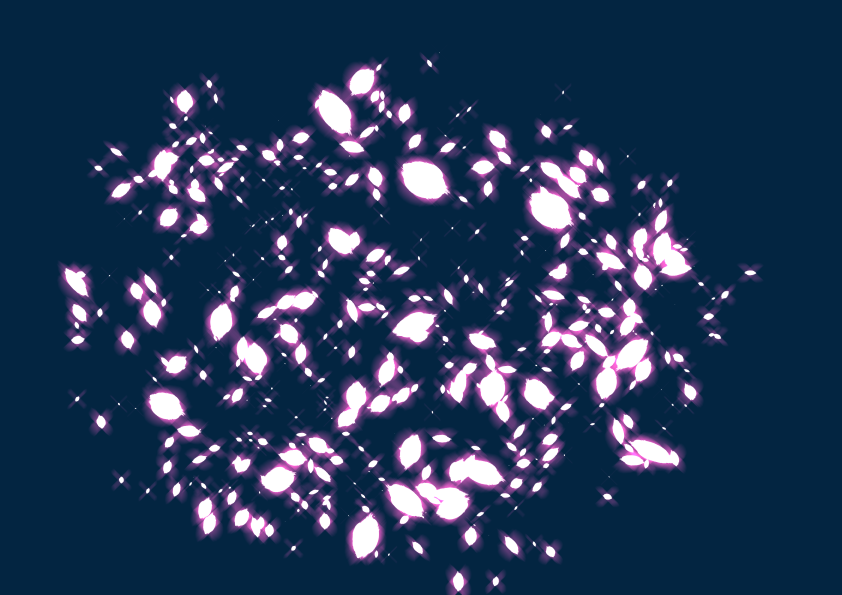
Clip Studio has an incredibly vast amount of options available when it comes to adjusting the default brushes to better suit your drawing style. I absolutely have no idea how half of these settings work on a technical level so playing around with everything until I found something that clicks with has been my go-to strategy here, and it’s helpful that it has a ‘reset to default settings’ button should I get too carried away and not how to get things back to normal. One of the apps drawbacks though is that most of the pens and brushes don’t feel unique in the kind of lines they produce; their shapes just feel more or less the same across the board to me.
Fortunately, this app allows you to make your own brushes, and it works pretty damn well!! If you wanna learn how to do it, I recommend checking out this video tutorial by Day of the Indie: https://www.youtube.com/watch?v=X8TYJYcHmDA
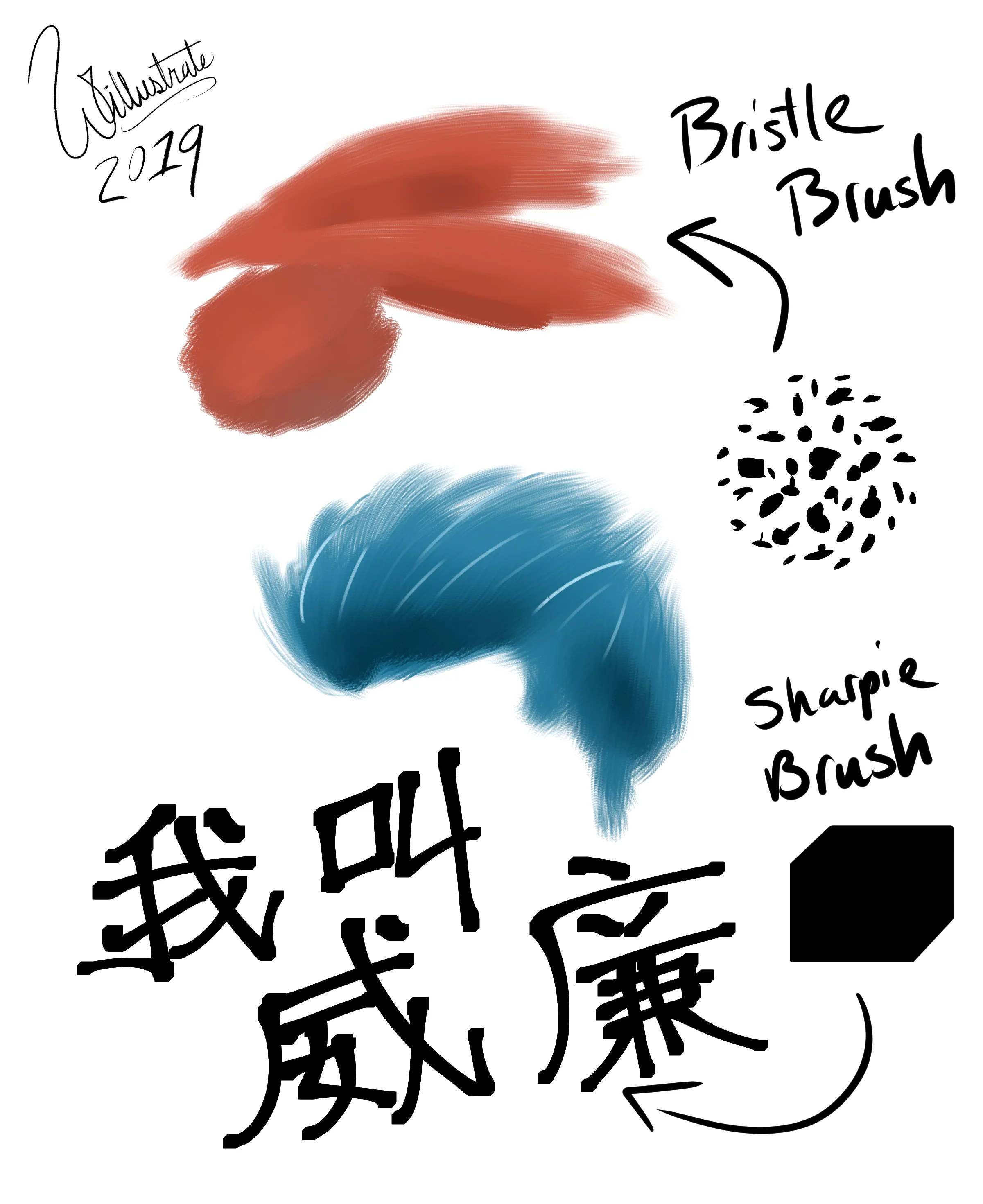
Here are just some quick examples of what I’ve created and how they work when you paint with them. The “bristle brush” seems to be great at creating feathery, furry, and hairy textures while the “sharpie” just feels like a good marker. I plan to tinker around with these two some more until they feel just right.
That being said, sorry about the lack of blog updates and uploads this past month. In addition to this, I’ve just been really busy trying to master many of the features Clip Studio has to offer and it’s helped broaden my horizons tremendously! (like, for real) I also have completed some commissions that I’ve simply neglected uploading, and I’m trying to manage my social media pages better, too.
Things have been awfully slow ‘round here and it’s probably not gonna get much faster anytime soon, but once I’m done with all these preparations awesome stuff will begin snowballing their way in. I promise!
So yeah, expect big things from me in the coming weeks. Cheers!